

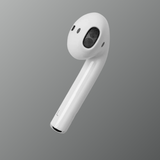
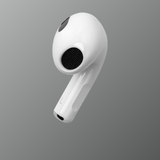


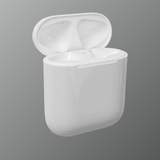
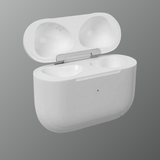
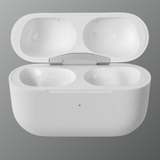
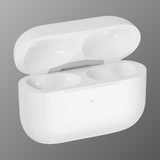
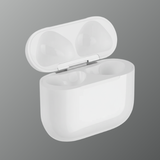
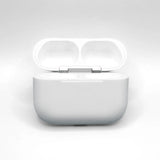






Effortlessly connect old with new
Scroll through each step. Your replacement AirPod pairs with your existing set just like this.
-
01
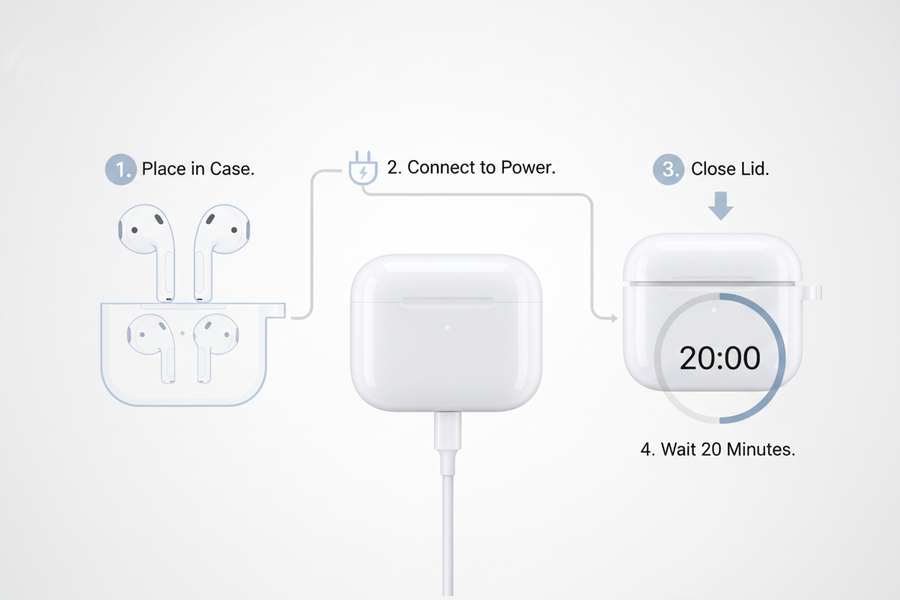
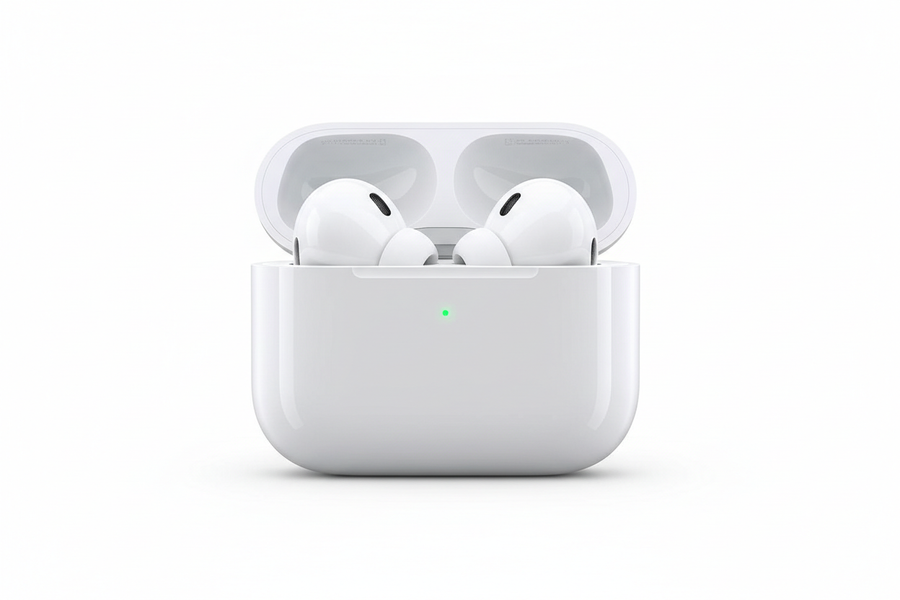
Charge both AirPods
Put both AirPods in the charging case and connect the case to power. Close the lid and let them charge for about 20 minutes.
-
02
Open the lid
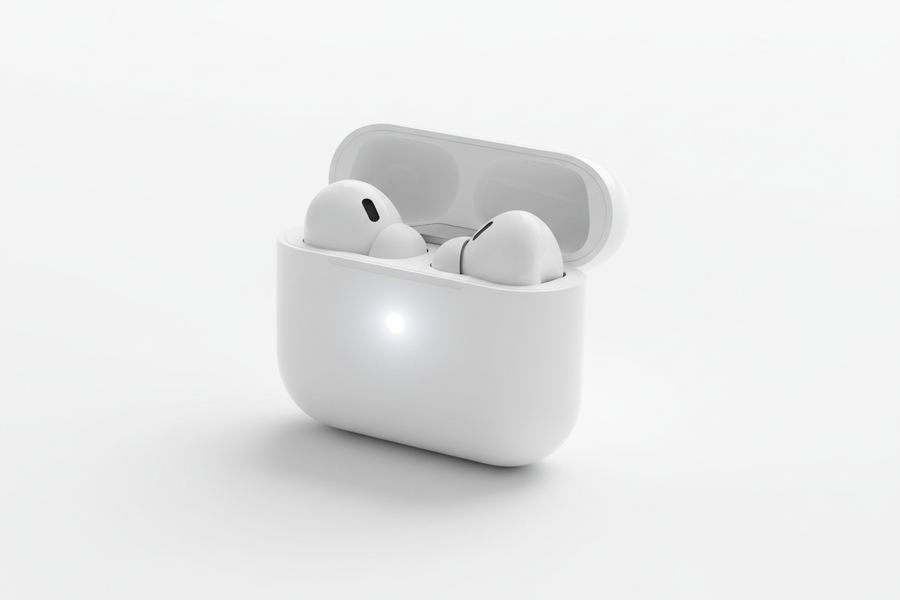
Open the lid next to your iPhone. If the status light flashes white, they're already in pairing mode, so close the lid and skip to step 4. Otherwise, go to the next step.
-
03
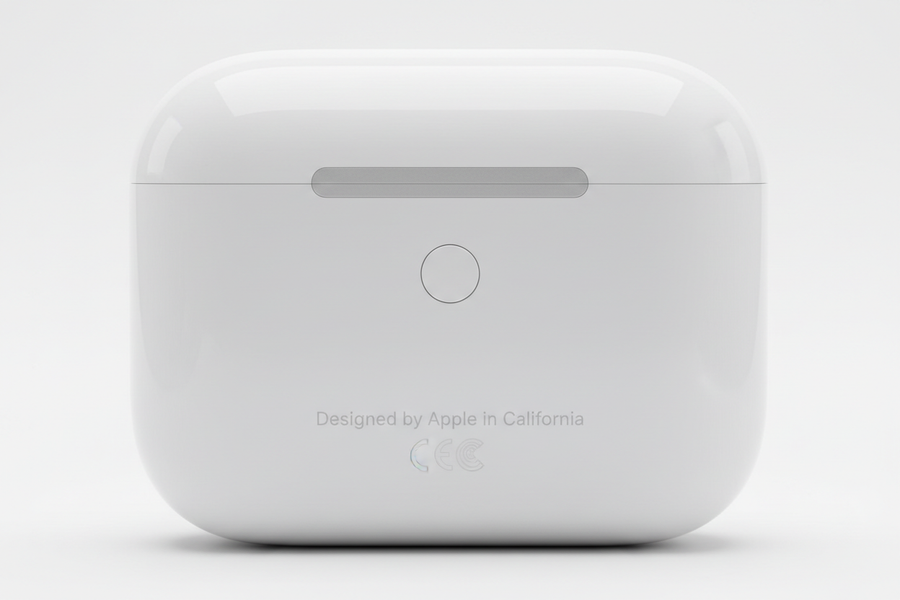
Hold the setup button
Keep the lid open and press and hold the setup button on the back for 15 seconds, until the status light flashes amber and then white.
-
04
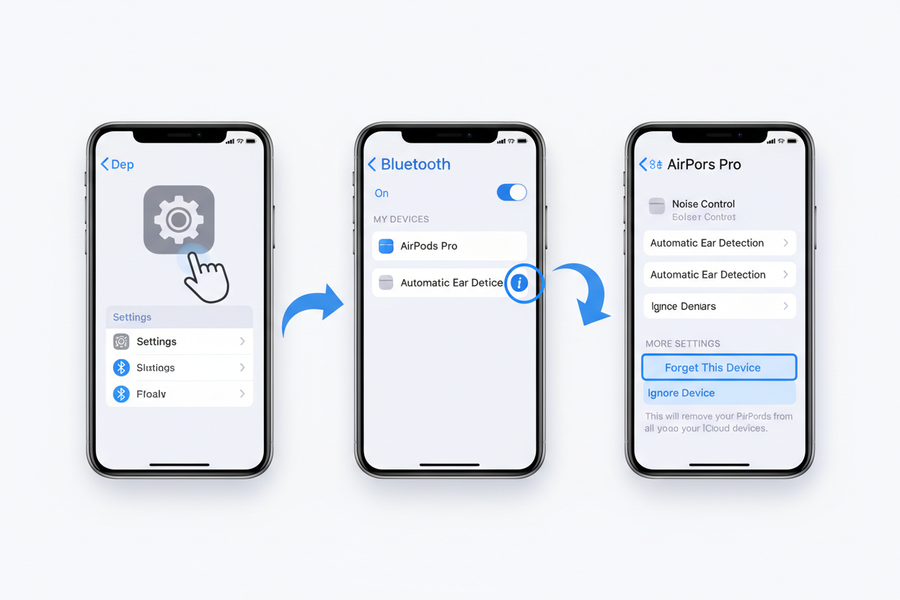
Forget the old pairing
On your iPhone, go to Settings → Bluetooth → ⓘ next to your AirPods → Forget This Device and confirm. If your AirPods aren't listed, just continue.
-
05
Connect & you're done
Hold the open case next to your iPhone. When the setup card appears, tap Connect and follow the prompts. Your AirPods are ready to use.
-
06
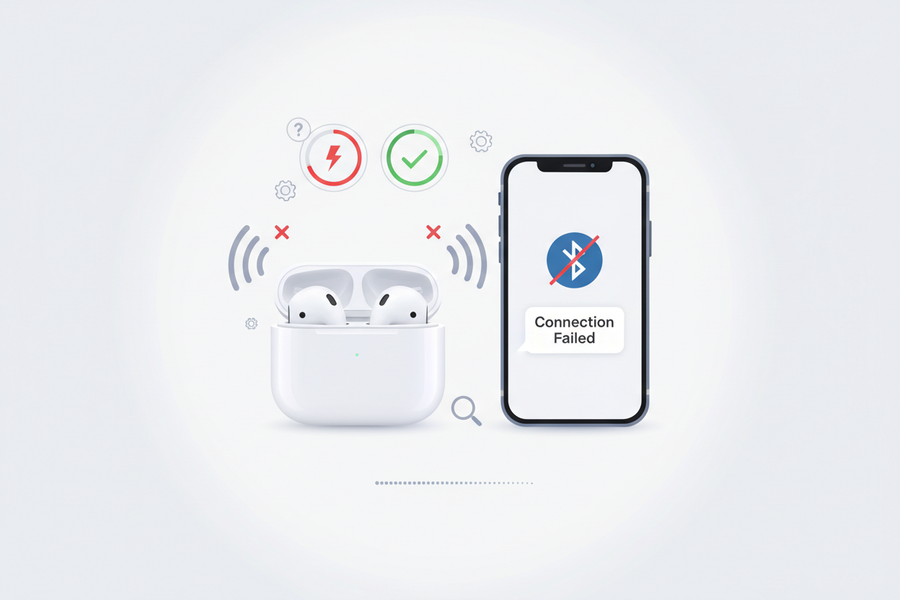
Problems setting up?
We're here to help. Tap Chat with us (bottom-right) or visit our Contact page and a real person will walk you through it. Brand-new parts carry a 90-day warranty, pre-owned parts 15 days.
-
We don't accept change-of-mind returns. Faulty parts are exchanged under warranty (90 days brand new, 15 days pre-owned). Brand-new items that arrive damaged in transit must be reported within 3 working days with an unboxing video. Pairing can take up to 24 hours, so message us and we'll guide you.
-
Orders are delivered within 2–3 business days in major cities and 3–5 business days in towns and villages after shipment. Delivery timelines may vary due to weather conditions, public holidays, or courier delays.
-
You can contact Swapex support through the chat (bottom-right of every page) or our Contact page for pairing help, exchanges, cancellations or general queries. Our team is available through official support channels to assist you promptly.
Thoroughly tested and ready to pair
Responsibly sourced and sanitised
Shipped within 48 hours, express
On all brand-new products