














One AirPod Is Quieter? Here’s How to Fix It

If you notice that one AirPod is quieter than the other, it can affect your listening experience. This is a common issue and is usually caused by dirt buildup, settings imbalance, or minor connectivity problems.
The good news is that in most cases, you can fix this issue with a few simple steps.
This guide will help you understand why one AirPod sounds quieter and how to fix it.
Check Audio Balance Settings
Sometimes the issue is not with the AirPods but with your device settings.
Follow these steps on your iPhone:
- Open Settings
- Go to Accessibility
- Tap Audio/Visual
- Check the Balance slider
Make sure the slider is set in the center so both AirPods have equal volume output.

Clean Your AirPods Properly
One of the most common reasons for low sound in one AirPod is earwax or dust blocking the speaker mesh.
To clean your AirPods:
- Use a soft dry brush or cloth
- Gently clean the speaker mesh
- Avoid using water or sharp objects
Regular cleaning helps restore sound quality and prevents uneven volume.
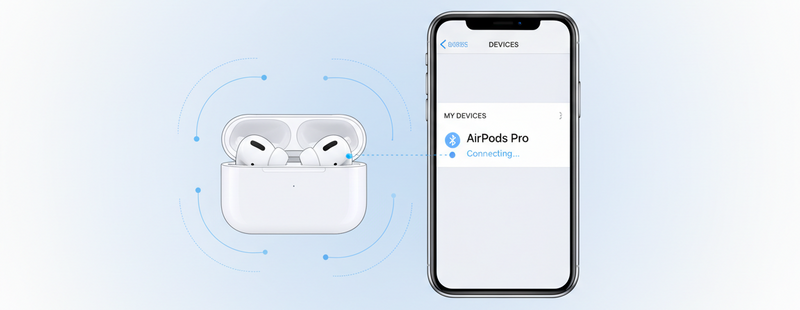
Reconnect the AirPods
A simple reconnection can fix temporary glitches.
Steps:
- Go to Bluetooth settings
- Forget your AirPods device
- Place AirPods back in the case
- Reconnect them to your iPhone
This refreshes the connection and can fix sound imbalance issues.

Check Battery Levels
Sometimes one AirPod may be quieter because it has lower battery compared to the other.
Check battery levels on your iPhone:
- Open the AirPods case near your iPhone
- View battery status on the screen
If one AirPod is low, place both in the charging case and charge them fully.
Reset the AirPods
If the issue continues, resetting the AirPods can help.
Steps:
- Place both AirPods in the case
- Press and hold the setup button on the back
- Wait for the light to flash amber and then white
- Reconnect the AirPods
This resolves many software-related issues.

When to Consider Replacement
If none of the above steps fix the issue, the problem could be due to:
- Internal hardware damage
- Speaker wear over time
- Battery degradation in one AirPod
In such cases, replacing the affected AirPod may be the best option.
Conclusion
A quieter AirPod is usually caused by simple issues like dirt, settings imbalance, or connection problems. Cleaning the AirPods, checking settings, and resetting them can often fix the problem quickly.
If the issue persists, replacing the affected AirPod ensures you continue enjoying balanced sound quality.
Facing issues with your AirPods?
Explore genuine replacement AirPods and accessories at Swapex.
FAQs
Why is one AirPod quieter than the other?
This is usually caused by dirt buildup, audio balance settings, or connectivity issues.
How do I fix uneven sound in AirPods?
Check audio balance settings, clean the AirPods, and reset them if needed.
Can low battery cause one AirPod to be quieter?
Yes, uneven battery levels can affect sound output.
Should I clean my AirPods regularly?
Yes, regular cleaning helps maintain sound quality and prevents issues.
When should I replace an AirPod?
If cleaning and resetting do not fix the issue, replacement may be necessary.