












Lost Your AirPods Case? Here’s What You Can Do

Losing your AirPods charging case can be frustrating. Without the case, you cannot charge your earbuds or store them safely.
However, losing the case does not always mean you need to buy a completely new pair of AirPods. There are several options available to recover, replace, or continue using your AirPods.
This guide explains what you can do if your AirPods charging case is lost.
Try Locating the Case Using Find My
If you previously enabled Apple’s Find My feature, you may be able to locate your AirPods case.
Follow these steps:
- Open the Find My app on your iPhone
- Tap Devices
- Select your AirPods
- Check the last known location on the map
If the case is nearby, this feature can help you track where it was last connected.

Check If the Case Was Left in Common Places
AirPods cases are small and easy to misplace.
Before buying a replacement, check common places such as:
- Backpack or handbag pockets
- Car storage compartments
- Office desk drawers
- Bedside tables or couches
Many users later discover the case in places they checked quickly before.
Buy a Replacement AirPods Case
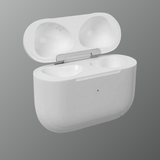
If the case is truly lost, you can purchase a replacement charging case instead of buying new AirPods.
Replacement cases allow you to continue using your existing earbuds without replacing the entire set.

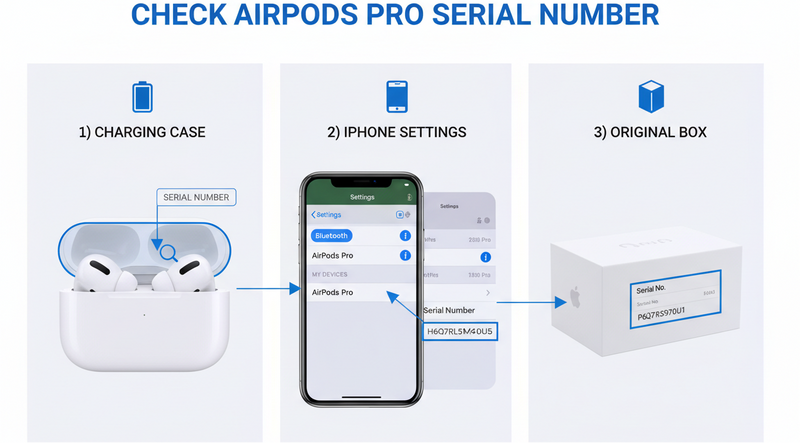
Make Sure the Replacement Case Matches Your AirPods
Not all AirPods cases are compatible with every model.
Before buying a replacement case, confirm the correct model:
- AirPods 1st Generation case
- AirPods 2nd Generation case
- AirPods Pro case
- AirPods Pro 2 case
Using the wrong case may prevent the AirPods from charging or pairing properly.
Pair the AirPods with the New Case
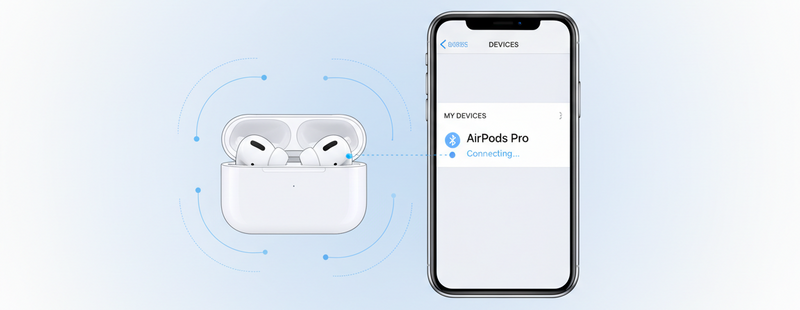
After buying a replacement case, you will need to pair your AirPods again.
Basic steps include:
- Place both AirPods inside the replacement case
- Open the case lid
- Press and hold the setup button on the back of the case
- Wait for the pairing light to flash
Then reconnect the AirPods to your iPhone.

Protect Your New AirPods Case
Once you replace your AirPods case, consider using a protective cover or keeping it in a consistent storage place.
This helps prevent losing it again and also protects the case from scratches or drops.
Small accessories like silicone case covers or keychain holders can make the case easier to carry.
Conclusion
Losing your AirPods charging case can be inconvenient, but it does not mean your AirPods are useless. You can try locating the case using Find My, checking common places, or purchasing a compatible replacement case.
With the right replacement, your AirPods can continue working just like before.
Call To Action
Lost your AirPods case?
Find compatible AirPods replacements and accessories at Swapex.
FAQs
Can I use AirPods without the charging case?
You can use them temporarily, but you will not be able to charge them without the case.
Can I buy a replacement AirPods case only?
Yes. Replacement charging cases are available for most AirPods models.
Will my AirPods work with a new case?
Yes, as long as the replacement case matches your AirPods model.
Can Find My locate the AirPods case?
It can show the last known location if the AirPods were connected to your device.
Do I need to reset AirPods when using a new case?
Yes, resetting and pairing again helps connect the AirPods to the replacement case.