




What’s the Difference Between AirPods 1 and AirPods 2

AirPods 1 vs AirPods 2: What’s the Difference?
Apple’s AirPods became one of the most popular wireless earbuds when they were first introduced. Later, Apple released the second generation AirPods with internal upgrades while keeping a similar design.
Although both models look almost identical, there are important differences in performance, connectivity, and features.
This guide explains the key differences between AirPods 1st generation and AirPods 2nd generation to help you understand which one is better for your needs.
Design and Appearance
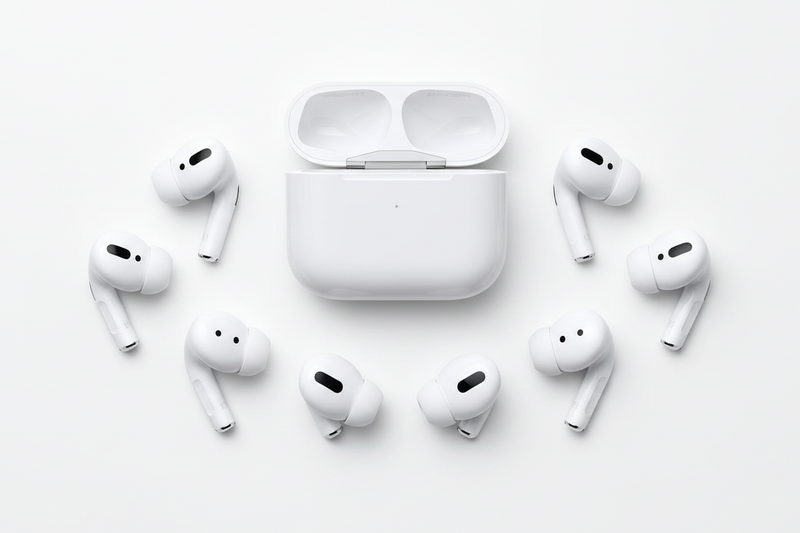
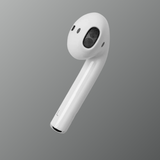
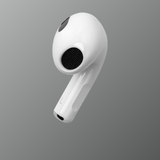
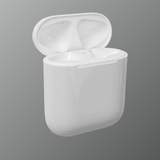
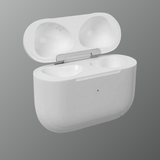
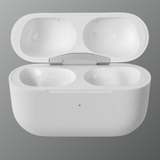
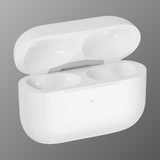
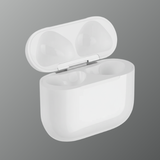
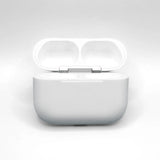
The design of both AirPods generations is almost the same. Apple kept the iconic white earbud design with a compact charging case.
From the outside, it can be difficult to tell them apart because:
- Both use the same earbud shape
- Both use the same Lightning charging case design
- Both have similar size and weight
However, the AirPods 2 charging case offers an optional wireless charging version, which was not available with the first generation.

The biggest difference between the two models is the chip inside the AirPods.
AirPods 1st Generation uses the Apple W1 chip, while AirPods 2nd Generation uses the newer H1 chip.
The H1 chip improves:
- Faster device connection
- Better wireless stability
- Lower audio latency
- Faster switching between Apple devices
These improvements make the second generation feel more responsive in daily use.
Siri Voice Control
Another important upgrade in the second generation is hands-free Siri activation.
With AirPods 1st generation:
- Siri must be activated by double tapping the earbud
With AirPods 2nd generation:
- You can simply say “Hey Siri” to control music, calls, or ask questions.
This feature makes it easier to control AirPods without touching them.

Battery Life Differences
Both generations offer similar listening time, but the second generation improves talk time.
AirPods 1st Generation:
- Around 5 hours listening time
- About 2 hours talk time
AirPods 2nd Generation:
- Around 5 hours listening time
- Up to 3 hours talk time
The improved battery efficiency comes from the newer H1 chip.
How to improve earbuds battery life
Connectivity and Pairing
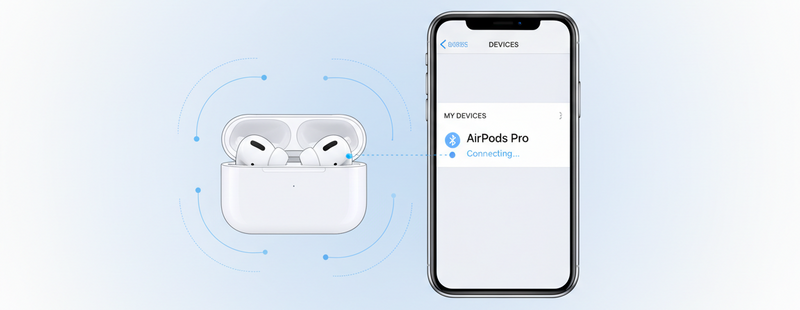
AirPods are known for their easy pairing experience with Apple devices.
The second generation improves this process by providing:
- Faster connection to iPhone and iPad
- Faster switching between Apple devices
- More stable Bluetooth connectivity
These improvements make the overall user experience smoother when using multiple Apple devices.

Which AirPods Should You Choose?
If you already own AirPods 1st generation and they work well, upgrading may not be necessary.
However, if you are buying new AirPods, the second generation is usually the better option because it offers:
- Faster performance with the H1 chip
- Hands-free Siri support
- Improved connectivity
- Optional wireless charging case
These improvements make the second generation more convenient for everyday use.
Conclusion
AirPods 1st generation introduced the world to Apple’s wireless earbud experience. The second generation builds on that success with better performance, improved connectivity, and hands-free Siri support.
While the design remains the same, the internal upgrades in AirPods 2 make them the more advanced option for most users today.
Call To Action
Looking for genuine Apple AirPods?
Explore trusted AirPods models and replacements at Swapex.
FAQs
What is the main difference between AirPods 1 and AirPods 2?
The main difference is the internal chip. AirPods 1 uses the W1 chip while AirPods 2 uses the newer H1 chip.
Can AirPods 1 and AirPods 2 work together?
No. AirPods from different generations cannot function as a pair.
Do AirPods 2 have better battery life?
They offer similar listening time but improved talk time compared to AirPods 1.
Do AirPods 2 support wireless charging?
Yes. AirPods 2 offer an optional wireless charging case.
Are AirPods 2 worth buying today?
Yes. They provide better connectivity and hands-free Siri compared to the first generation.