
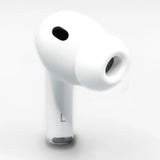
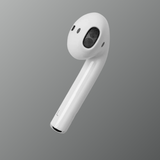
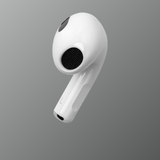

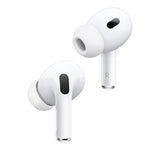
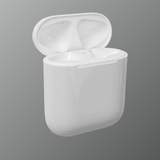
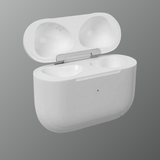
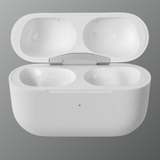
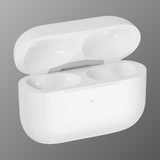


Pair your new AirPod effortlessly
Connect a replacement earbud or charging case to your existing AirPods. Scroll through the 3D guide below, or jump straight to troubleshooting.
-
Effortless setupJust a few simple steps
-
Any deviceiPhone, iPad, Mac, Android
-
6 simple stepsScroll to see each one
-
Real helpChat with us if you get stuck
Effortlessly connect old with new
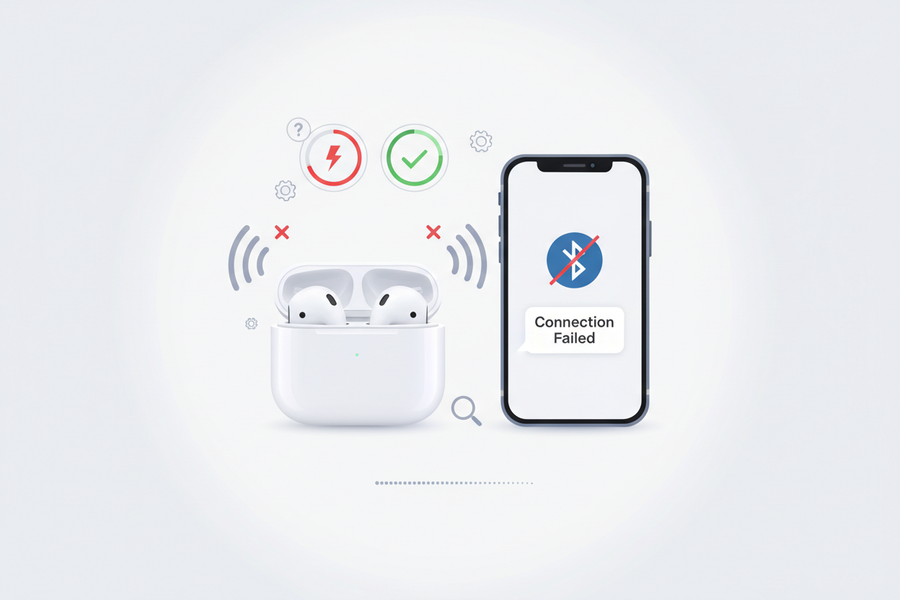
Scroll through each step. Your replacement AirPod pairs with your existing set just like this.
-
01
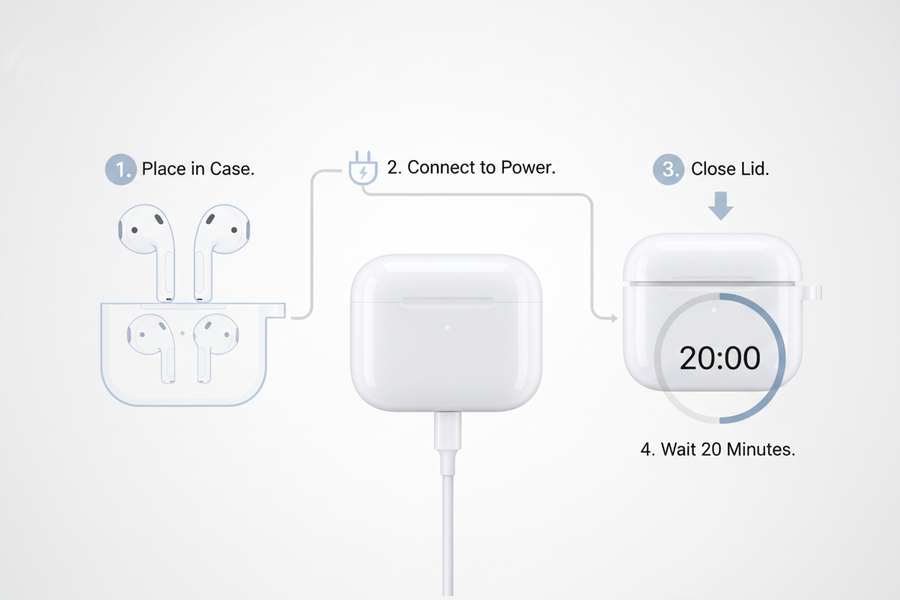
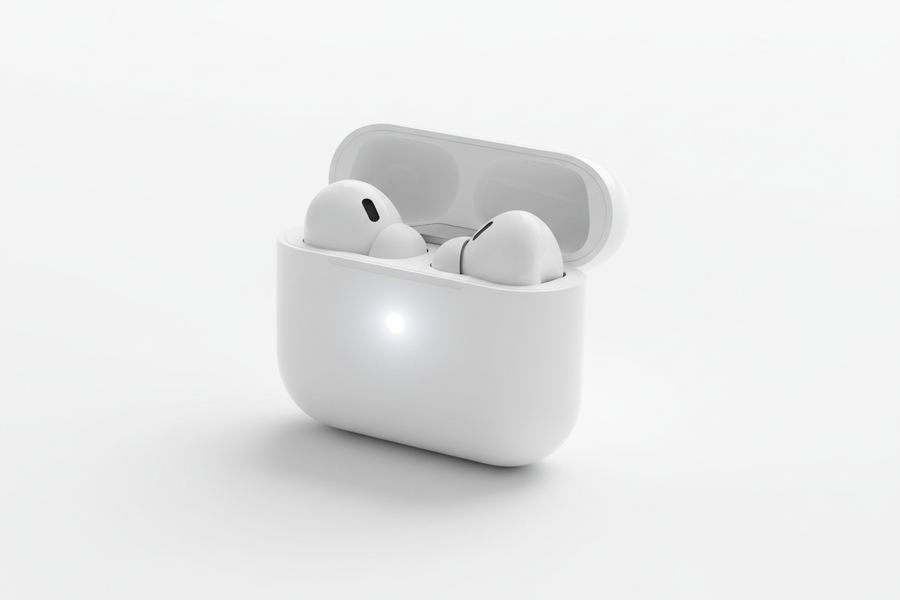
Charge both AirPods
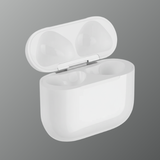
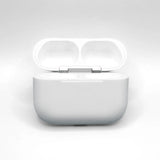
Put both AirPods in the charging case and connect the case to power. Close the lid and let them charge for about 20 minutes.
-
02
Open the lid
Open the lid next to your iPhone. If the status light flashes white, they're already in pairing mode, so close the lid and skip to step 4. Otherwise, go to the next step.
-
03
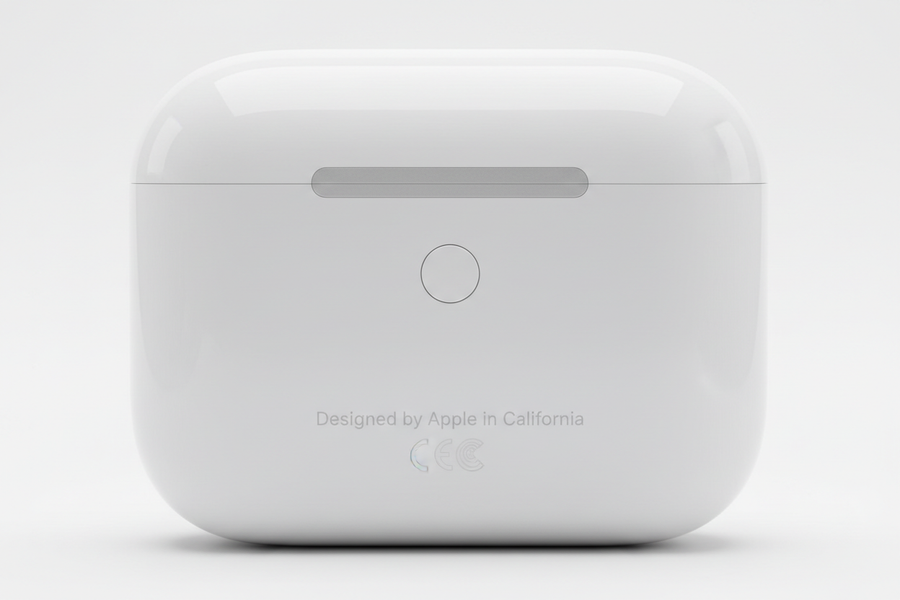
Hold the setup button
Keep the lid open and press and hold the setup button on the back for 15 seconds, until the status light flashes amber and then white.
-
04
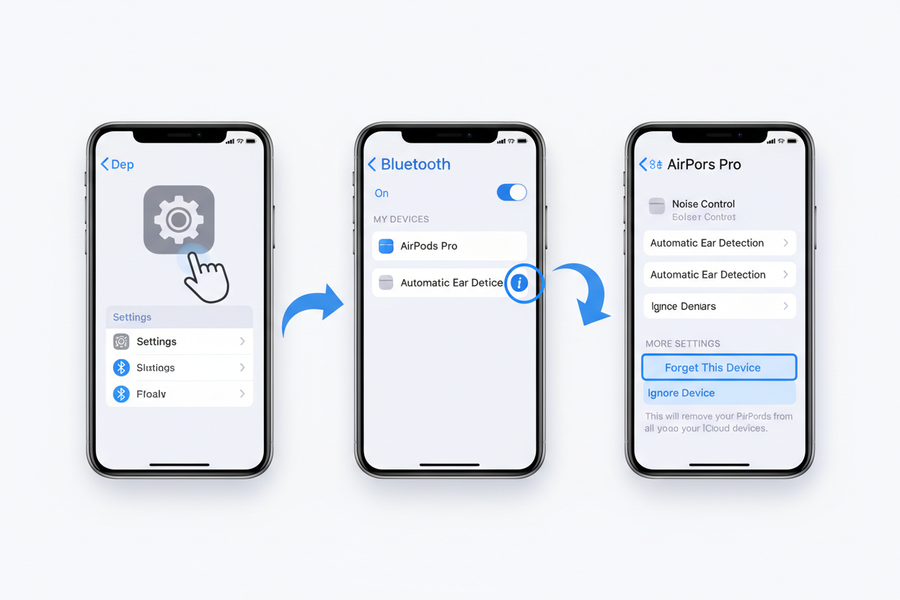
Forget the old pairing
On your iPhone, go to Settings → Bluetooth → ⓘ next to your AirPods → Forget This Device and confirm. If your AirPods aren't listed, just continue.
-
05
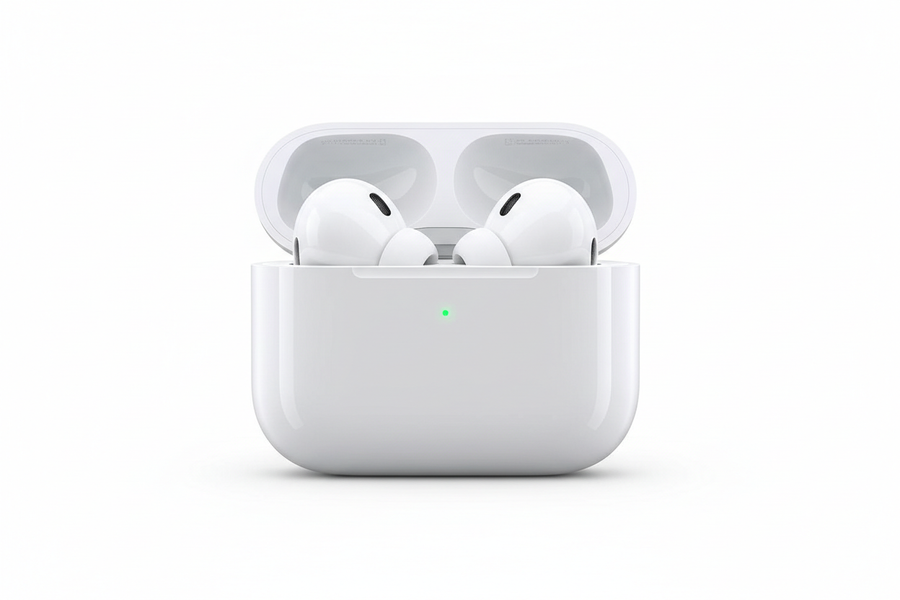
Connect & you're done
Hold the open case next to your iPhone. When the setup card appears, tap Connect and follow the prompts. Your AirPods are ready to use.
-
06
Problems setting up?
We're here to help. Tap Chat with us (bottom-right) or visit our Contact page and a real person will walk you through it. Brand-new parts carry a 90-day warranty, pre-owned parts 15 days.
Put both AirPods in the case, close the lid and charge for at least 30 minutes. Then open the lid, press and hold the setup button for 15 seconds until the light flashes amber, then white, and pair again from your iPhone.
Amber flashing means the AirPods aren't paired yet or the pairing failed. Make sure both earbuds are the same model and generation, then reset the case by holding the setup button for 15 seconds.
Usually it happens on its own. Keep the AirPods in their case, connected to power and close to your iPhone (on Wi-Fi) for 30 minutes. You can check the version in Settings → Bluetooth → ⓘ next to your AirPods. Syncing a new earbud can take up to 24 hours. This is normal.
Check Settings → Accessibility → Audio & Visual → Balance and set it to the centre. Gently clean the speaker mesh with a dry, soft brush.
Yes. Open the case, hold the setup button until the light flashes white, then pick your AirPods from the Bluetooth menu on your phone or laptop.
Try a different cable and adapter, and check the port for lint. When it's plugged in with the lid open, the light should show amber (charging) or green (full).
Yes, You can replace a single left or right AirPod without buying a full new set from our store Swapex.
Replacing a single AirPod is usually more cost effective than repairing, especially for out of warranty devices.
The price depends on the AirPods model and generation selected. Exact pricing is listed on each product page for transparency.
Replacing one AirPod is significantly cheaper than purchasing a brand new pair.
No matching questions. Try another word or message us on WhatsApp.
Guides & tips
View all-

How to Connect a New Replacement AirPod
Losing or damaging one AirPod is more common than most people think. The good news is that Apple allows users to replace a single AirPod instead of buying a completely new...
How to Connect a New Replacement AirPod
Losing or damaging one AirPod is more common than most people think. The good news is that Apple allows users to replace a single AirPod instead of buying a completely new...
-

How to Check AirPods Pro Serial Number
The serial number of your AirPods Pro helps verify authenticity, check warranty status, and identify the exact model you own.
How to Check AirPods Pro Serial Number
The serial number of your AirPods Pro helps verify authenticity, check warranty status, and identify the exact model you own.
-

Buy AirPods Replacement (All Generations): What...
Losing or damaging one AirPod is common, but the good news is that you don’t always need to replace the entire set. Apple allows users to replace a single AirPod or...
Buy AirPods Replacement (All Generations): What...
Losing or damaging one AirPod is common, but the good news is that you don’t always need to replace the entire set. Apple allows users to replace a single AirPod or...


-

100% Authentic
Thoroughly tested and ready to pair
-

Sustainable
Responsibly sourced and sanitised
-

Fast & Free Shipping
Shipped within 48 hours via express shipping
-

Full 90 Days Warranty
Applicable on brand new products


